
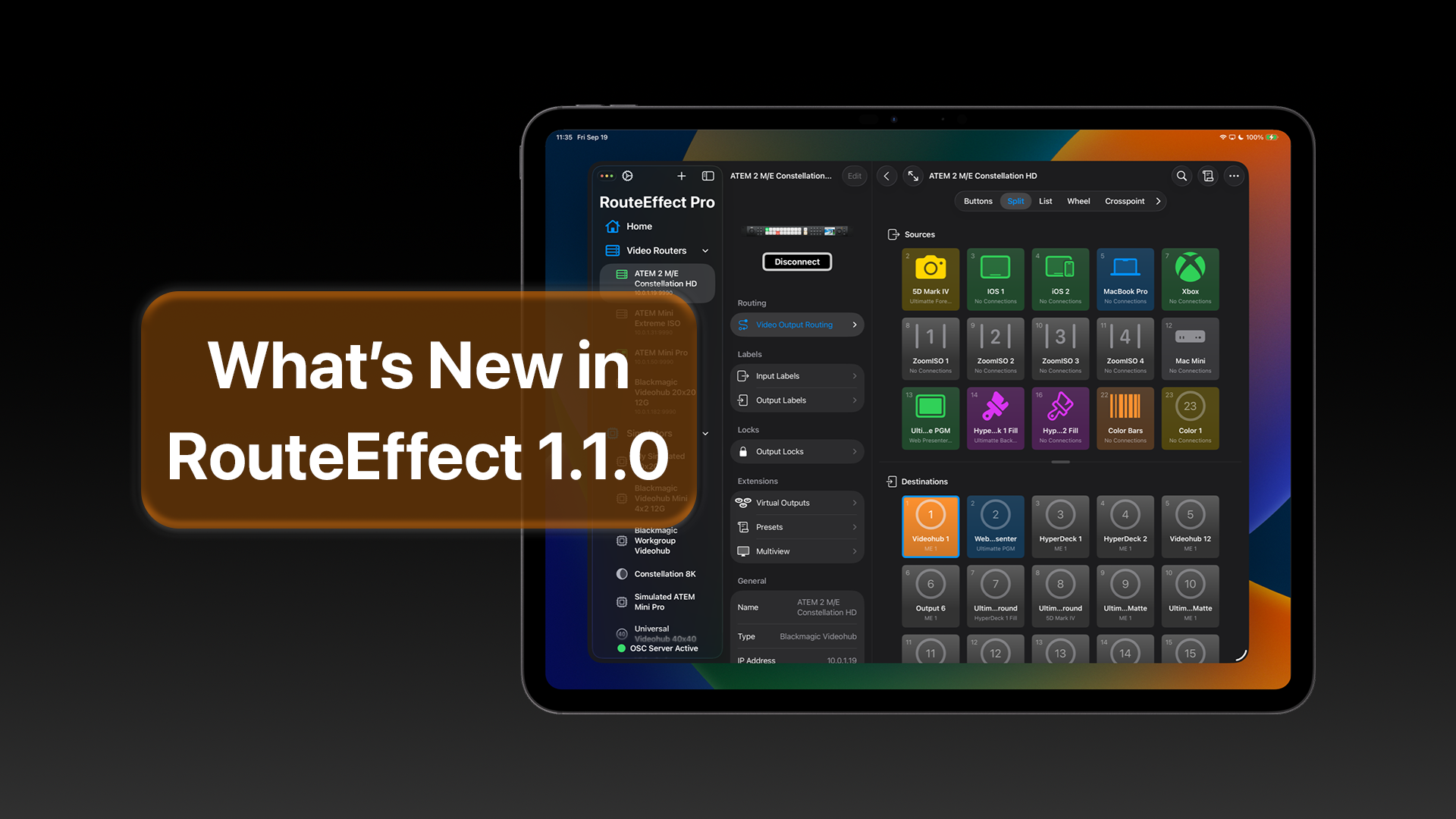
RouteEffect 1.1.0 is now available on the App Store. This release brings support for iOS 26, iPadOS 26, and macOS 26 Tahoe, including a refreshed interface aligned with the new Liquid Glass. There’s also an OSC server built into RouteEffect, which means you can now control the application and all your connected Blackmagic Design Videohub devices and ATEM switchers using tools such as Bitfocus Companion and an Elgato Stream Deck.
RouteEffect is available in two formats:
- RouteEffect: Trial and Subscription (App Store Link)
- RouteEffect Pro: Paid Up-Front version (App Store link)
Learn which version is right for you here.
There’s more new features, improvements, and bug fixes in RouteEffect 1.1.0:
New Features
- Added support for iOS 26 and iPadOS 26.
- Refreshed application icons.
- Introduced an OSC server to control RouteEffect remotely from software and hardware such as Bitfocus Companion and Elgato Stream Deck.
- New Auto-Connect on Launch option to automatically connect to selected routers when RouteEffect launches or when a new window open
- Option to hide icons and labels in the Buttons view style for a cleaner layout.
- Keyboard shortcuts now appear in the menu on iPadOS 26.
Improvements
- Enhanced search experience in Video Output Routing pages.
- Inspector in Video Output Routing pages has been redesigned as a menu for better reliability.
- Toolbar buttons are now more consistent across iOS and iPadOS.
- Multiple UI refinements for improved usability.
Bug Fixes
- Removed the color scheme preference to avoid conflicts with toolbars in new operating systems.
- Lock icons now display correctly based on the video router state.
- Presets view no longer clips below the toolbar.
- Buttons in the Split view style now maintain consistent spacing.
- Divider position correctly updates if it moves off-screen in Buttons and Split view styles.
- Additional stability and performance fixes.